Quick answer
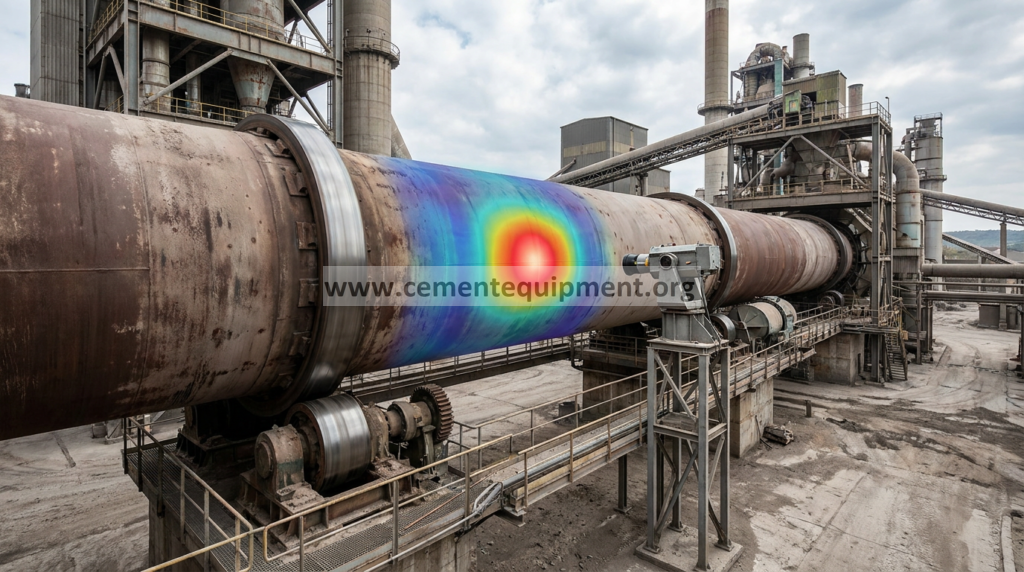
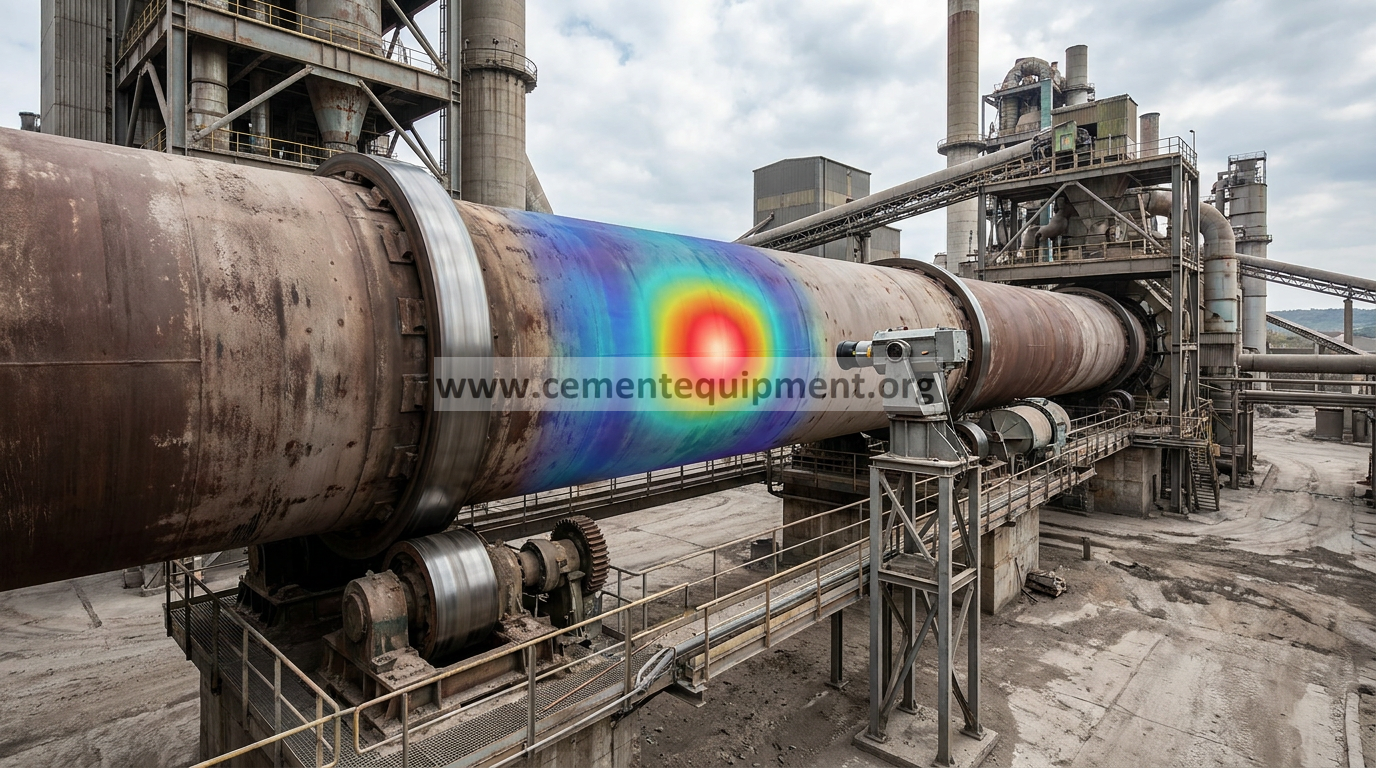
A kiln shell scanner that shows an isolated cold spot not supported by nearby thermal behavior may be seeing optical contamination, obstruction, bad emissivity setup or a sensor/line-of-sight problem rather than a real cold shell zone. Compare the scanner map with a safe independent temperature check, inspect lens/window cleanliness and purge air, and determine whether the anomaly stays fixed in scanner coordinates or follows the rotating kiln surface.
Problem / job
A suspiciously low-temperature patch appears suddenly on the scanner image while adjacent process and shell conditions remain normal.
Evidence
Capture scanner map over several revolutions, anomaly location, lens/window condition, purge status, ambient obstruction, emissivity settings and an independent thermal reference where safe.
Decision
Separate a real shell-temperature feature from dirty optics, dust plume/interference, calibration/emissivity error and sensor hardware faults.
As-found evidence capture
Save the thermal map before cleaning or recalibrating the scanner. Record kiln speed, the apparent cold-spot coordinates, shell position over several revolutions, nearby shell temperatures, scanner diagnostics, ambient/weather condition and any recent scanner cleaning, alignment or configuration change. The most useful first test is whether the anomaly remains fixed in the scanner field or rotates with the same shell location.
Record lens/protective-window condition, purge-air status and any structure, dust plume, steam, spray or temporary obstruction in the line of sight. Note emissivity/range settings and whether the scanner is synchronized correctly to kiln rotation. Where the plant procedure permits, preserve an independent temperature reference for the suspicious shell area.
Scanner measurement checklist before process action
- Track the anomaly over several complete kiln revolutions.
- Determine whether it follows a physical shell location or stays fixed in scanner coordinates.
- Inspect scanner lens/window and protective optics for dust, haze, deposits or damage.
- Verify purge/cooling air is established and the optical path is not being recontaminated.
- Check line of sight for structural masking, dust clouds, steam/water or other intermittent obscuration.
- Review emissivity, temperature range, synchronization and calibration/reference settings for recent changes.
- Compare with adjacent scanner lines and historical maps at similar kiln operation.
- Use a safe approved independent temperature reference where available before declaring a real shell-temperature feature.
Go/no-go rule: do not change kiln operation or refractory decisions from an isolated cold spot until the measurement path is proven. A scanner-coordinate anomaly is measurement evidence first, process evidence second.
Seven-step workflow
- Determine whether the cold spot follows the shell as it rotates or stays fixed in the scanner field.
- Compare with adjacent scanner lines and historical shell maps at similar kiln operation.
- Inspect the scanner lens/window, protective glass and purge-air flow for cement dust or deposits.
- Check line-of-sight for structures, steam/water spray, dust plumes or temporary obstructions.
- Review emissivity, range and calibration settings for recent changes.
- Use the plant-approved independent temperature verification method where safe; avoid personnel exposure near a rotating hot kiln.
- After cleaning/calibration correction, verify the anomaly disappears or behaves consistently with the physical shell.
Decision table
Diagnostic decision matrix
| Evidence | Likely direction | Next check |
|---|---|---|
| Cold spot fixed in scanner coordinates | Optical/line-of-sight issue | Lens, purge, obstruction |
| Cold spot follows shell position each revolution | Real shell/coating feature | Process/refractory evaluation |
| Anomaly appears after scanner cleaning/settings work | Calibration/emissivity issue | Configuration and reference check |
| Independent temperature does not confirm scanner | Measurement issue | Optics and scanner diagnostics |
Interpret the anomaly behavior
Cold area remains fixed in the scanner image while the kiln rotates: prioritize optical contamination, masking, line-of-sight interference, detector/scanner-coordinate issues or configuration. Cold area returns at the same physical shell position every revolution: investigate a real shell/refractory/coating/process feature after independent measurement confirmation. The anomaly changes with weather, dust plume or purge condition: treat the optical path and atmospheric interference as primary evidence. The map changes immediately after scanner settings work: verify emissivity, range, synchronization and calibration/reference configuration.
A false cold region can be particularly misleading because it may appear “safe.” The same measurement discipline used for a suspected hot spot should therefore be applied: prove location, repeatability and independent agreement before accepting the thermal map as physical truth.
Acceptance criteria
Verify the scanner after correction through repeated kiln revolutions:
- Confirm optics are clean and purge/cooling air is functioning.
- Verify emissivity, range, synchronization and reference/calibration settings against the approved scanner configuration.
- Trend the suspect area through several revolutions and confirm the anomaly no longer remains artificially fixed in scanner coordinates.
- Compare the scanner map with a safe approved independent temperature reference where available.
- Check adjacent scan lines and nearby shell regions for consistent thermal behavior.
- Save a clean post-correction thermal map as the new diagnostic baseline.
Use the shell-scanner OEM and plant refractory-monitoring procedure for alarm thresholds, emissivity method and calibration/reference requirements.
Common mistakes and repeat-failure traps
- Treating every map feature as physical shell temperature: optics, masking and line of sight can create false patterns.
- Cleaning the window without checking purge: contamination will recur if the protective air path is weak or blocked.
- Changing emissivity to make the map “look right”: configuration changes require a controlled reference basis.
- Ignoring kiln synchronization: poor rotational mapping can make a shell feature appear at the wrong coordinate.
- Using an unsafe manual temperature check: follow the plant procedure around a rotating hot kiln.
- Closing the job after one revolution: prove repeatability over multiple rotations and operating conditions.
Related Infinity guides
Build a stronger cement maintenance library
The Infinity for Cement Organization technical package contains 900+ technical files. It is a one-time $249.99 purchase, with instant download immediately after payment and lifetime updates forever at no additional cost.