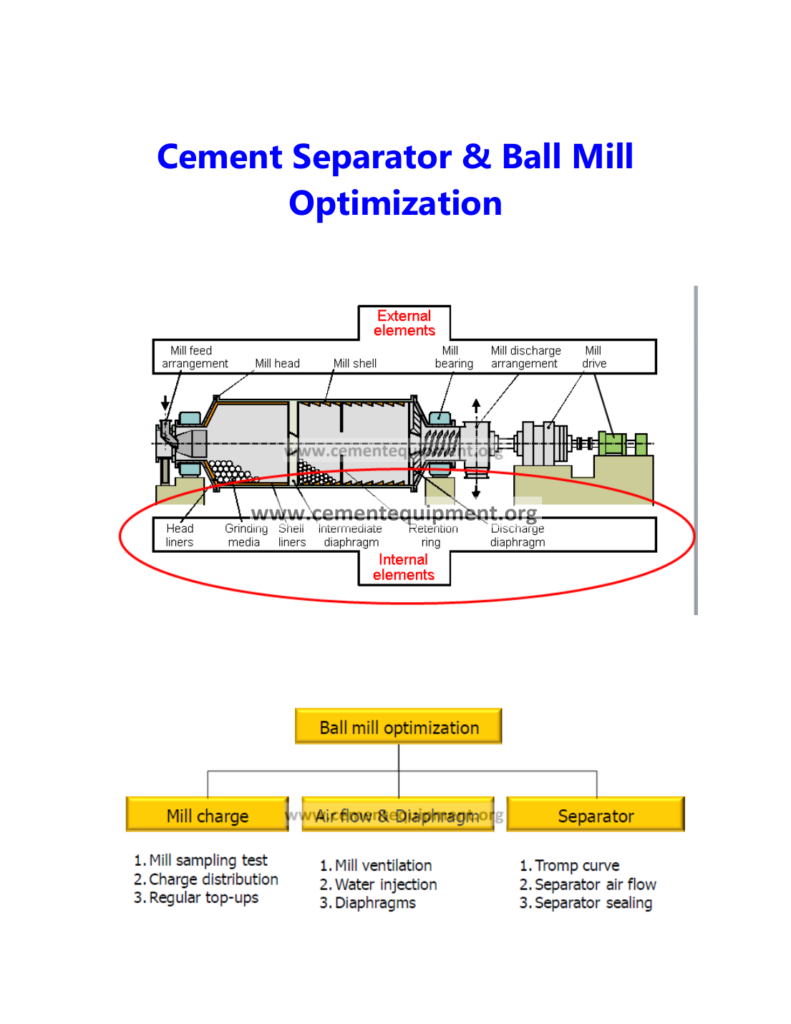
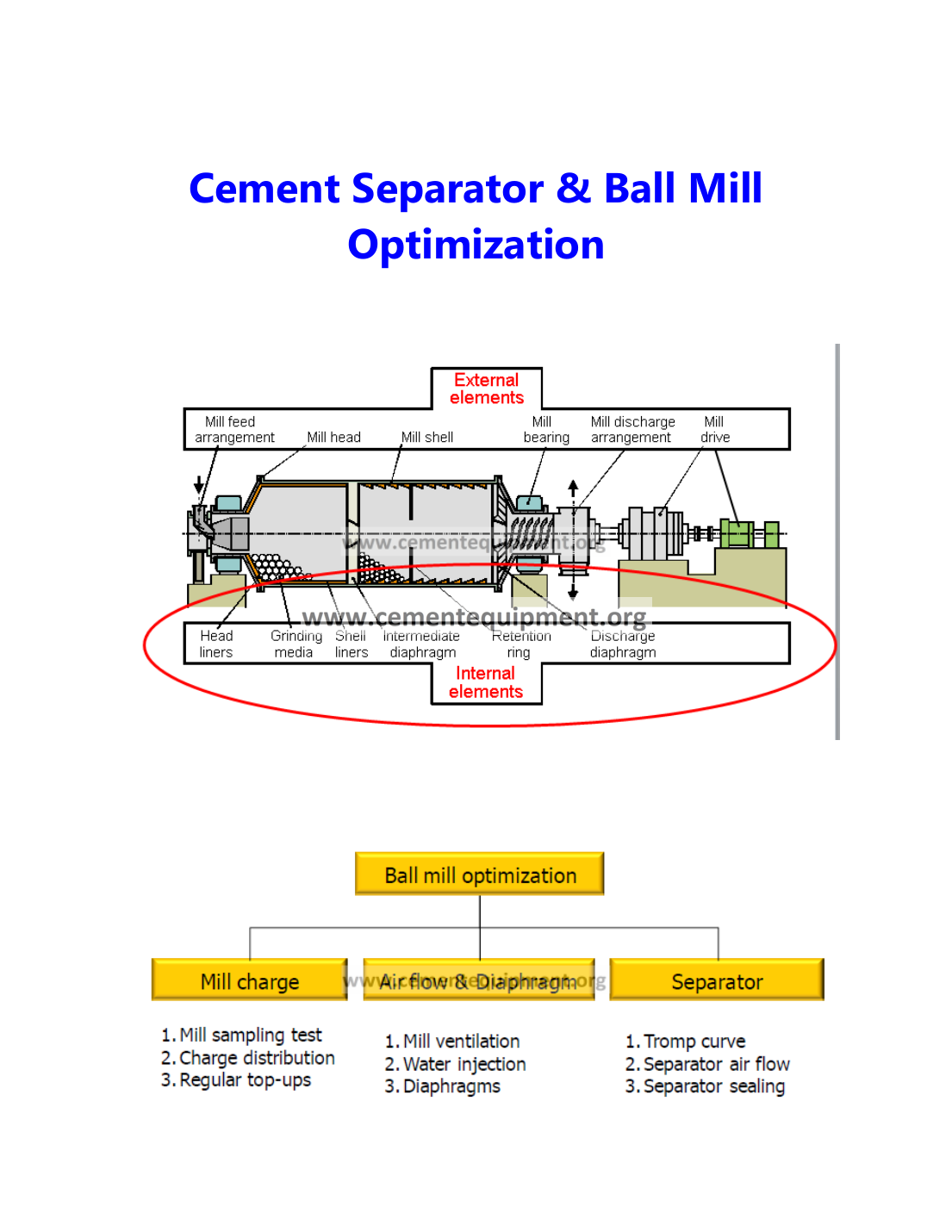
Heavy buildup on a cement separator cage or rotor can distort the effective open area and internal airflow, increasing coarse reject, reducing classification efficiency and sometimes forcing operators to compensate with excessive separator speed or fan changes. Diagnose the process first: compare reject rate, product fineness, separator speed, airflow/draft, mill feed and material moisture with a clean baseline; then inspect the cage, guide vanes and feed distribution for asymmetric coating, wear or plugging. Cleaning alone is not a permanent fix if moisture, feed dispersion or internal air distribution keeps recreating the deposit.
Find why separator reject rises or fineness control becomes unstable when the rotor/cage and internal flow surfaces accumulate cement.
Use reject/circulating-load trend, product fineness, separator speed, airflow/draft, motor current, material moisture, coating map and guide-vane condition.
Separate buildup, air-distribution, feed-dispersion, wear and control-setting causes before increasing speed or making permanent mechanical changes.
Fast diagnostic order
- Lock the clean-baseline comparison: record product fineness, reject/circulating load, separator speed, fan/draft and mill feed before cleaning.
- Map the deposit: photograph where buildup is heavy, asymmetric or concentrated by height and circumference.
- Check what is feeding the coating: guide-vane condition, feed dispersion, moisture, temperature and water-injection changes.
- Verify airflow before changing speed: compare fan, damper and pressure behavior with a known-good period.
- Clean, inspect wear, then prove stability: verify the same product quality can be maintained without progressively increasing separator speed.
Capture the circuit behavior before cleaning the separator
Record: product fineness and residue; separator speed; separator motor current; reject or circulating-load indication; mill feed; mill ventilation/fan condition; separator inlet/outlet pressure where available; material temperature and moisture history; water-injection changes; and whether the problem develops gradually after cleaning or appears suddenly after a process upset.
Preserve the trend. If the separator improves immediately after cleaning and deteriorates over a repeatable number of operating hours, the recurrence interval itself is strong root-cause evidence.
1. Confirm the symptom is classification deterioration, not only a laboratory variation
Compare fineness/residue with separator speed and reject behavior. If product becomes coarser while reject rises at a similar feed and airflow condition, the separator may be losing effective classification area or air distribution. If only one laboratory result moves while process indicators remain stable, confirm sampling and analysis before changing equipment. Use several comparable points rather than one isolated sample.
2. Inspect cage/rotor buildup pattern before cleaning
During a safe shutdown, photograph and map the deposit around the separator circumference and through the height of the cage. Note whether coating is uniform, concentrated at one sector, heavier near the feed entry, or associated with a specific guide-vane region. Uneven buildup can indicate non-uniform feed dispersion or airflow. A uniformly coated rotor may point more toward material stickiness, moisture or temperature conditions.
3. Inspect guide vanes, feed distribution and internal wear
Guide vanes control the gas and particle path approaching the rotor. Wear, deformation, missing hardware or heavy coating changes the swirl pattern and can drive particles preferentially into one side of the cage. Inspect feed chutes and dispersion plates for buildup or asymmetry. If the separator receives material unevenly, the local solids loading can promote coating and reduce classification efficiency even when average airflow looks normal.
4. Correlate buildup with moisture, temperature and water injection
Sticky or partially agglomerated material adheres more readily to separator surfaces. Review cement temperature, mill outlet condition, feed moisture and water injection. If buildup worsened after a water-injection change, high-moisture feed event or ventilation deterioration, restore the process condition before repeatedly cleaning the cage. Avoid universal moisture limits; use the plant’s material behavior and OEM process envelope.
5. Verify separator airflow and draft distribution
Classification depends on the balance between aerodynamic drag and particle inertia. A restriction, fan problem, damper change, duct buildup or false-air shift can alter internal velocity and solids loading. Compare separator pressures, fan condition and damper position with a known-good period. If the rotor is clean but reject remains high, an airflow problem may be the dominant cause rather than coating.
6. Avoid compensating with separator speed alone
Operators may increase rotor speed to recover fineness when efficiency deteriorates. That can reduce product throughput or increase circulating load and may hide the real problem temporarily. Record how much extra speed is required to maintain the same product after buildup starts. A steadily increasing speed demand between cleanings is useful evidence that the separator condition is drifting.
7. Inspect wear and cage geometry after cleaning
Once deposits are removed, inspect blades, cage bars, welds and clearances for erosion, deformation or missing material. Uneven wear can change the effective geometry and encourage repeated coating. Compare with OEM dimensions and previous inspection records. Do not weld, bend or modify classifier parts in the field without an approved repair method because small geometry changes can alter separation performance.
Clean-to-dirty separator comparison
Use the same production window to compare the separator immediately after a verified clean condition with the point where reject starts to rise. This turns “the separator gets dirty” into measurable deterioration.
| Trend | Clean baseline | Deteriorated condition | What the change suggests |
|---|---|---|---|
| Separator speed for same fineness | Record rpm | Record rpm | Rising speed demand indicates falling classification efficiency |
| Reject / circulating load | Record value | Record value | Rising reject with similar feed strengthens the buildup/airflow case |
| Airflow / pressure pattern | Record trend | Record trend | A shift points toward restriction, leakage or changed internal distribution |
| Rotor motor current | Record value | Record value | A concurrent change helps distinguish mechanical loading from a laboratory-only fineness variation |
Record the operating hours between clean baseline and deterioration. If the interval shortens after a material, moisture, water-injection or ventilation change, investigate that change before accepting more frequent cleaning as normal.
Separator high-reject diagnostic matrix
| Observed pattern | Likely direction | Priority check |
|---|---|---|
| Reject rises gradually and resets after cleaning | Progressive cage/internal buildup | Deposit map, moisture, feed dispersion, airflow pattern |
| Buildup heavy on one side | Uneven feed/air distribution | Guide vanes, feed chute, dispersion and internal leakage |
| Rotor clean but reject still high | Airflow, wear or control-setting issue | Fan/damper, pressures, cage wear, separator speed calibration |
| Need progressively higher speed for same fineness | Efficiency deterioration | Coating, guide-vane wear, airflow and feed distribution |
| Coating appears after moisture/water change | Material stickiness / process condition | Mill outlet condition, feed moisture, water injection, ventilation |
Common mistakes
- Increasing separator speed without documenting the buildup condition.
- Cleaning the rotor but leaving coated or damaged guide vanes unchanged.
- Ignoring feed distribution because average mill feed is stable.
- Assuming every high-reject condition is caused by the rotor itself.
- Changing speed, airflow and water injection simultaneously and losing cause-and-effect evidence.
Return-to-service verification
After cleaning/repair, restart under representative process conditions and trend product fineness, reject/circulating load, separator speed, motor current and airflow/draft together. Acceptance means the separator produces the required product at a stable operating point close to the known healthy baseline, reject does not continue rising abnormally, and inspection after a meaningful run does not show rapid asymmetric coating. Record the clean-state baseline so the next deterioration cycle can be quantified.
Frequently asked troubleshooting questions
Can separator cage buildup increase reject and reduce efficiency?
Yes. Buildup can reduce effective open area and distort airflow, which can raise reject and force operators to compensate with speed or fan changes.
Why does separator buildup return soon after cleaning?
Recurring buildup usually points to unresolved moisture, temperature, feed-distribution or airflow conditions. Map where deposits return rather than treating cleaning as the permanent fix.
Should separator speed be increased to recover fineness?
Not as the first correction. Higher speed can hide the deterioration while increasing circulating load. Verify coating, guide vanes, airflow and feed distribution first.
Related Infinity technical guides
References
Use the installed separator OEM documentation for rotor geometry, guide-vane condition, speed range, airflow requirements and wear limits. Performance should be compared with the plant’s clean, stable baseline at similar production conditions.